
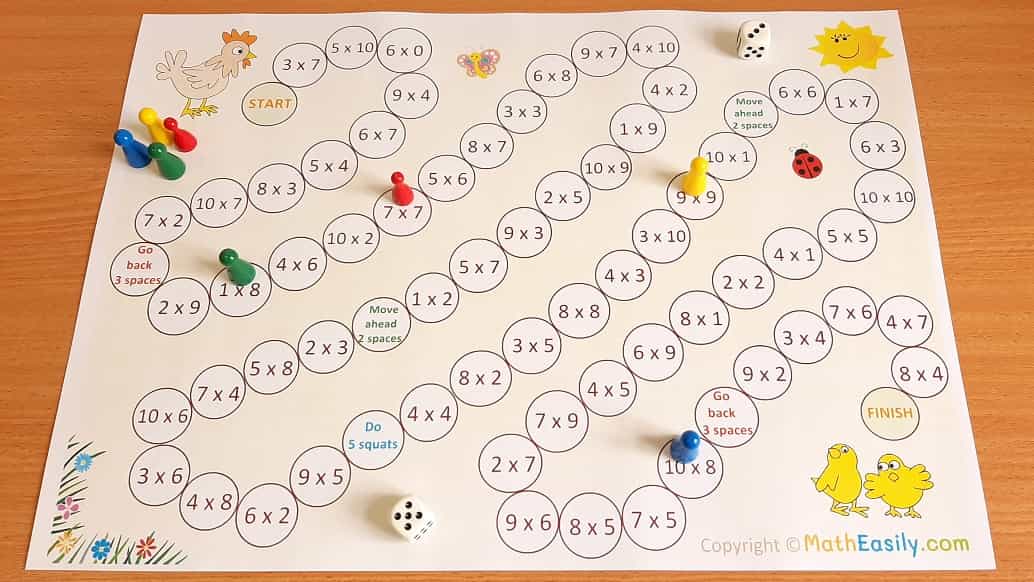
Multiplication Table Game for Kids – Free Online Practice
Make learning times tables fun with our free interactive multiplication game. Choose your difficulty, pick a game mode, and earn achievement badges as you master math facts from 1×1 to 12×12.
🎯 Why Play a Multiplication Game?
Research shows that gamified multiplication practice improves retention by up to 40% compared to rote memorization. This game turns boring times table drills into an engaging challenge — with real-time scoring, sound effects, and rewards that keep kids motivated to practice every day.
Play the Multiplication Table Game
Select your settings below and hit Start Game. Try to beat your high score each session!
Multiplication Adventure Game
Multiplication Game Summary
Difficulty:
Game Mode:
Numerical System:
Final Score:
Accuracy: %
Total Questions Answered:
Achievements Unlocked:
How to Play the Multiplication Table Game
Getting started is simple. Here's a quick walkthrough so kids, parents, and teachers all know exactly how the game works:
Choose Your Difficulty
Beginner covers tables 1-5 (perfect for kids just starting out). Intermediate expands to 1-10. Advanced includes 1-12. Expert focuses on the trickier range of 2-12, skipping the easy 1s table.
Pick Your Game Mode
Practice gives unlimited questions with no pressure — ideal for learning. Timed Challenge gives you 60 seconds to answer as many as possible. Survival ends the game on your first mistake — the ultimate test!
Hit "Start Game" and Answer
A multiplication question appears with 4 answer choices. Tap the correct one. Green flash = correct (+10 points). Red flash = wrong (-5 points in Practice/Timed). The correct answer is always revealed, so you learn even from mistakes.
Earn Badges & Track Progress
Hit 30 points for Quick Learner, 70 for Math Whizz, and 150 for Multiplication Master. Your accuracy percentage updates live, helping you see exactly where you stand.
Game Features & Settings Explained
This isn't just another basic quiz. Here's what makes this multiplication game special:
| Feature | What It Does | Best For |
|---|---|---|
| 4 Difficulty Levels | Controls which times tables appear in questions | Matching game to student's current skill level |
| 3 Game Modes | Practice (unlimited), Timed (60s), Survival (1 mistake) | Different learning goals and challenge levels |
| Number System Selector | Switch between Decimal, Roman Numerals, Binary, Hexadecimal | Gifted students and advanced learners |
| Dark Mode Toggle | Switches to a dark color scheme | Reducing eye strain during evening practice |
| Custom Styling | Change border colors, fonts, and theme colors | Making the game feel personal and engaging |
| Achievement System | Unlocks badges at score milestones (30, 70, 150) | Motivating kids to keep playing and improving |
| Sound Effects | Audio feedback for correct/incorrect answers | Multi-sensory learning reinforcement |
| Real-Time Scoreboard | Live score + accuracy percentage tracking | Building self-awareness and goal-setting |
Why Gamified Multiplication Practice Works
Let's talk about the science. Kids don't resist learning — they resist boredom. Traditional multiplication drills (writing tables 100 times, worksheet after worksheet) create negative associations. Gamified practice flips the script.
🧠 Immediate Feedback
When a child clicks an answer, they see instantly whether they're right or wrong. No waiting for a teacher to grade a paper. This immediate loop speeds up learning dramatically. Green = confidence boost. Red = "okay, I see the right answer now, let me remember it."
🏆 Achievement Motivation
Badges at 30, 70, and 150 points give kids micro-goals to aim for. Instead of the vague "learn your times tables," they're chasing a specific, tangible reward. This is the same psychology that makes video games addictive — but applied to math.
⏱️ Healthy Pressure
Timed mode creates just enough pressure to simulate test conditions without the anxiety of a real exam. Kids who practice under mild time pressure perform significantly better when they encounter multiplication problems in school tests.
📊 Progress Tracking
The live accuracy percentage lets kids (and parents) see exactly how well they're doing. Going from 65% to 80% to 95% accuracy over a few weeks is incredibly motivating — and proves the practice is working.
Recommended Settings by Age Group
Not sure which settings to pick? Here's our recommendation:
| Age | Grade | Difficulty | Mode | Session Length |
|---|---|---|---|---|
| 6-7 | 1st-2nd | Beginner (1-5) | Practice | 5-8 minutes |
| 8-9 | 3rd-4th | Intermediate (1-10) | Practice → Timed | 10 minutes |
| 10-11 | 5th-6th | Advanced (1-12) | Timed → Survival | 10-15 minutes |
| 12+ | 7th+ | Expert (2-12) | Survival | 10 minutes |
How Parents & Teachers Can Use This Game
👨👩👧 For Parents at Home
- Daily practice routine: Set a consistent time (e.g., right after homework or before screen time) for 10 minutes of game practice.
- Celebrate milestones: When your child unlocks "Math Whizz" or hits 90% accuracy, celebrate! A small reward reinforces the behavior.
- Play together: Take turns answering questions. Kids love "beating" their parents, and it normalizes making mistakes.
- Use the accuracy tracker: If accuracy drops below 70%, consider moving down a difficulty level. Confidence is more important than challenge at first.
- Pair with real life: After game practice, ask multiplication questions during cooking ("We need 3 eggs per person, there are 4 of us...") or shopping.
👩🏫 For Teachers in Classrooms
- Warm-up activity: Project the game on the smartboard for a 3-minute class warm-up using Timed mode.
- Team competitions: Split into teams. Each team nominates a player. Whoever scores higher in Survival mode wins a point for their team.
- Homework assignment: Assign 10 minutes of daily game practice. Students can screenshot their scores for accountability.
- Differentiation tool: Struggling students use Beginner + Practice. Advanced students use Expert + Survival. Same game, different challenge levels.
- Assessment supplement: The accuracy percentage gives a quick snapshot of a student's multiplication fluency without a formal test.
Multiplication Strategies to Use While Playing
The game is most effective when combined with active thinking strategies. Here's what to teach kids to do while they play:
🔄 Commutative Property
If you see 8 × 3, think "I know 3 × 8 = 24." Order doesn't matter in multiplication. This cuts the facts you need to memorize nearly in half.
✂️ Break Apart Strategy
For 7 × 8, think: 7 × 8 = (5 × 8) + (2 × 8) = 40 + 16 = 56. Breaking hard problems into easier parts builds number sense.
🖐️ Finger Tricks for 9s
Hold up 10 fingers. Put down finger #4 for 9 × 4. Left side has 3, right side has 6. Answer: 36. This trick works for 9 × 1 through 9 × 10.
×2 Doubling Method
For × 4 problems, double the number twice. 4 × 7 → double 7 = 14, double 14 = 28. For × 8, double three times. This makes hard facts manageable.
Want the full breakdown of every multiplication trick? Check out our Complete Multiplication Table Guide — it covers all tables from 1 to 20 with patterns, tricks, and worked examples.